¶ Targeted Downloads in VECTO GRID OS
This guide explains how to use the Targeted Downloads tool in VGOS to schedule and download data from instruments to the cloud server database.
¶ Accessing the Targeted Downloads Tool
- Log in to VECTO GridOS with your credentials.
- Navigate to the Home Main tab in the top navigation bar.
- Navigate to the Tools sub-tab in the top navigation bar.
- Select Targeted Downloads under the Tools menu.
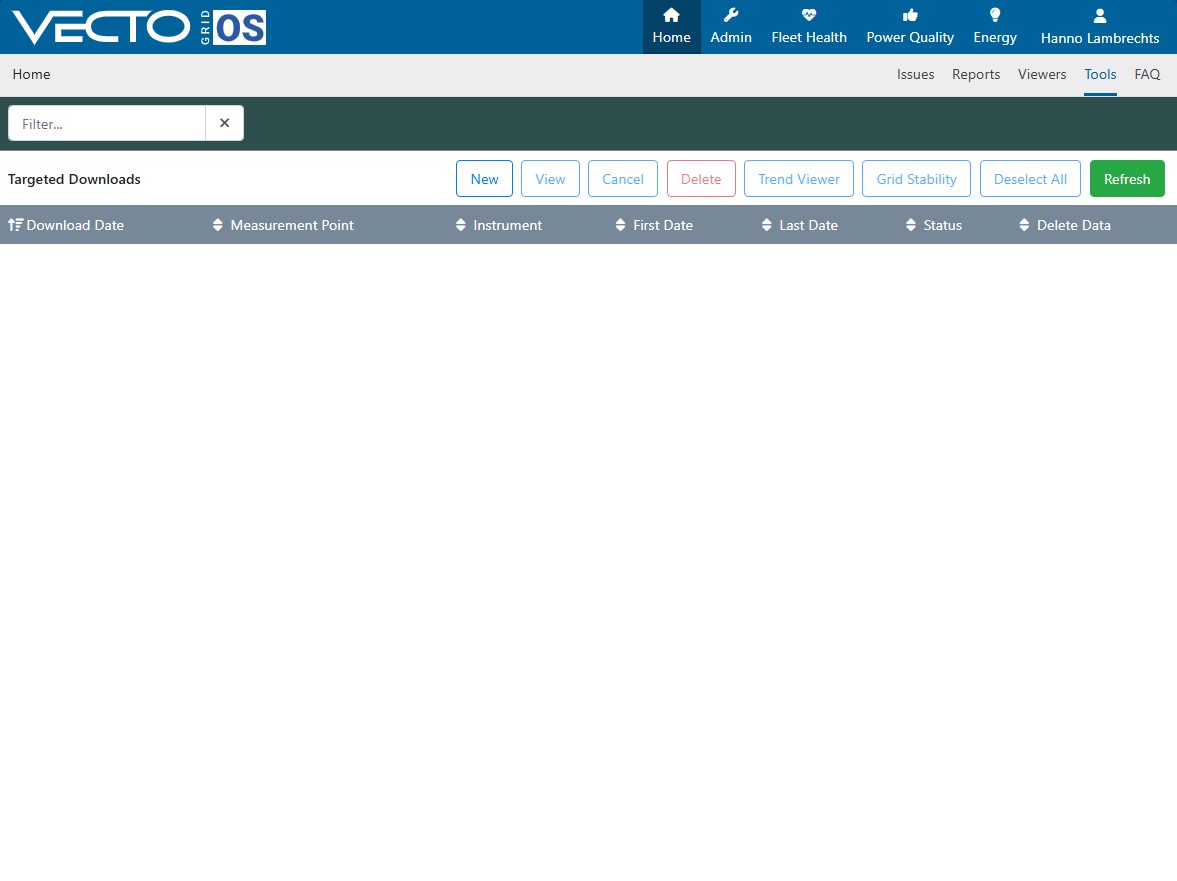
You should now see a screen similar to the one below:
¶ Schedule a new download task.
On the Targeted Downloads tool click the "New" button in the toolbar to schedule a new targeted download.
You should now see a screen similar to the one below:
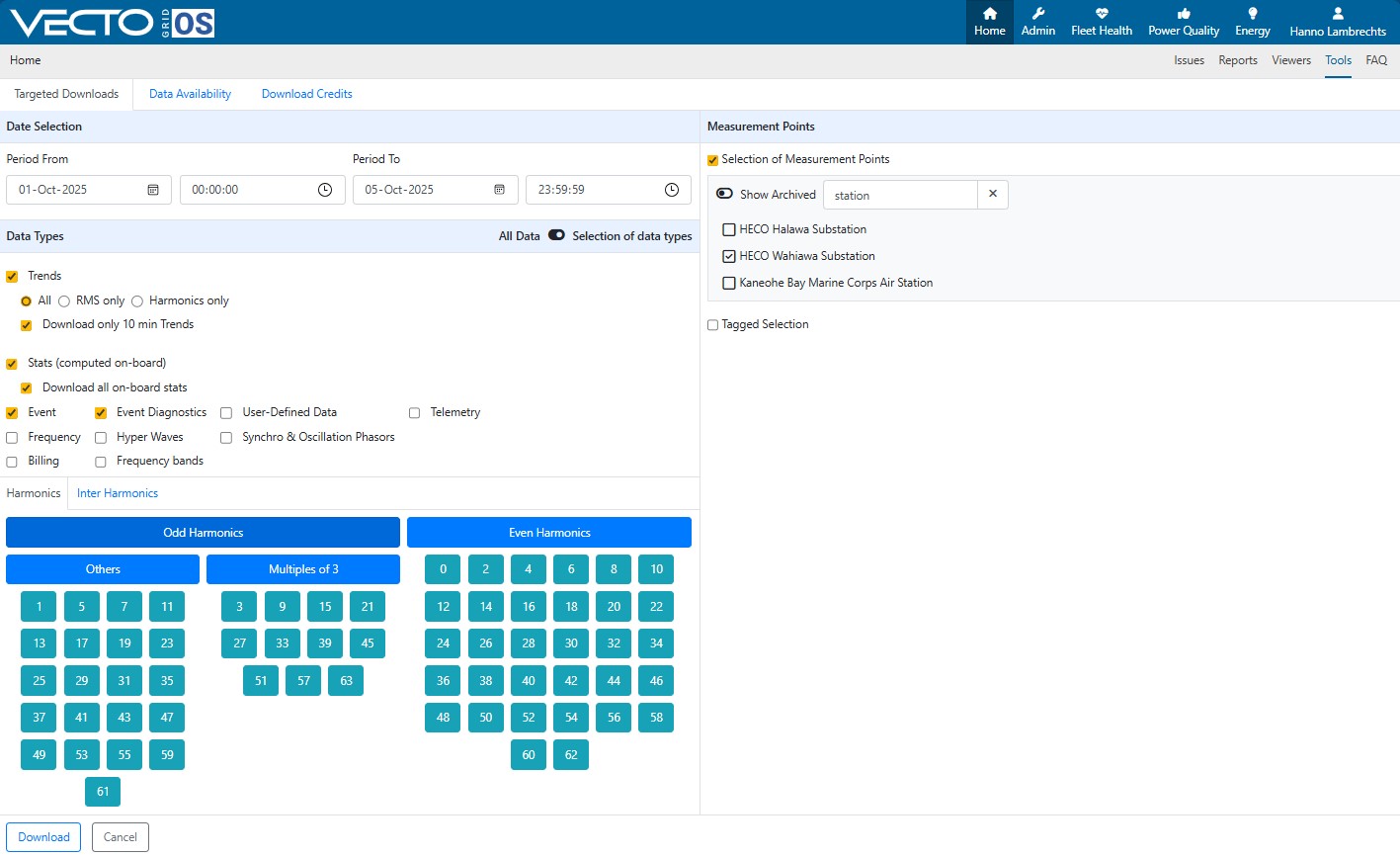
- Populate the Period From and Period To fields which allow you to define the time range for the data download:
- Period From: Start date and time of the data to be downloaded.
- Period To: End date and time of the data to be downloaded.
- Select the Measurement Points to choose which instruments/measurement points to download data from.
¶ 3. Choosing Data Types
VECTO GridOS allows selection of different types of data for download:
¶ Trends
- All: Download all RMS and harmonics data.
- RMS only: Download RMS measurements only.
- Harmonics only: Download harmonic measurements only.
- Download only 10 min Trends: Enable this to download aggregated 10-minute trend data rather than full-resolution data.
¶ Stats (computed on-board)
- Download all on-board stats: Includes precomputed statistics from the instrument.
¶ Event
- Event: Downloads triggered events recorded by the instrument.
- Event Diagnostics: Downloads additional diagnostic information for events.
- User-Defined Data / Telemetry / Frequency / Hyper Waves / Synchro & Oscillation Phasors / Billing / Frequency bands: Optional data types depending on instrument configuration.
Tip: For general analysis, downloading Trends, Stats, and Event diagnostics is usually sufficient.
¶ 4. Selecting Harmonics
The Harmonics section allows you to choose specific harmonic components to download:
- Odd Harmonics / Even Harmonics / Multiples of 3 / Others: Quick selection buttons for common harmonic categories.
- Select individual harmonics by clicking the corresponding numbers.
- Use Inter Harmonics tab if your analysis requires non-integer harmonics.
Example: Selecting harmonics 1, 3, 5, 7 is typical for power quality studies.
¶ 5. Downloading the Data
Once all selections are made:
- Verify the Period, Measurement Points, Data Types, and Harmonics.
- Click the Download button in the bottom-left corner.
- The system will schedule the download and store the data in the cloud database.
- Click Cancel to exit without scheduling a download.
Note: The download duration depends on the size of the requested dataset and network speed.
¶ Tips for Efficient Downloads
- Use Selection of data types to avoid downloading unnecessary data.
- Downloading 10-minute trends is faster and sufficient for long-term analysis.
- Use measurement point filtering to target only relevant substations.
- Schedule downloads during off-peak hours to minimize network load.
This process ensures your field instruments are synchronized with the cloud database for analysis, reporting, and archiving.