¶ Data Availability Viewer
Upon clicking the "Data Availability" button, a page opens prompting you which Data Stream you would like to find availability for.
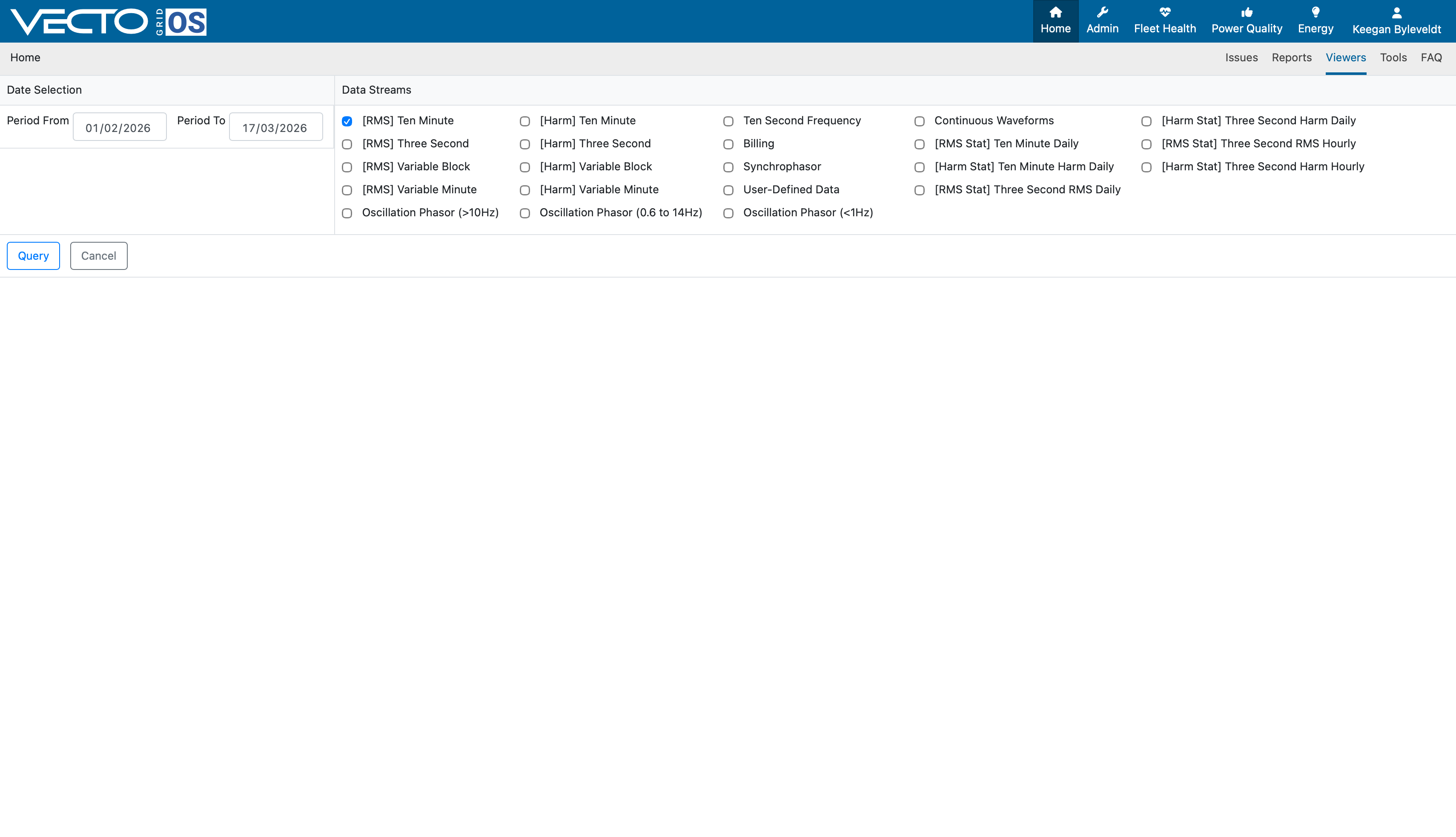
Once you have chosen the desired period for available data, you select the specific Data Stream, and select "Query".
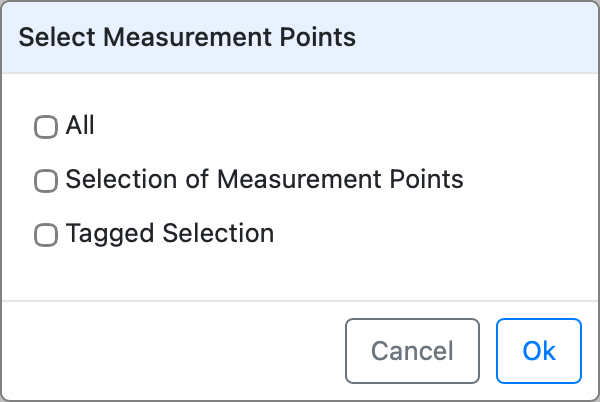
A popup window appears prompting you to select one of the following options:
-
All (Provides information for all measurement points associated with the account)
-
Selection of Measurement Points (You select certain measurement points for which you want data availability)
-
Tagged Selection (All measurement points that meet the criteria of the tagged selection will show available data)
Based on your selection, the data availability for different measurement points will be shown. For this example, all measurement points are chosen, resulting in the following display:
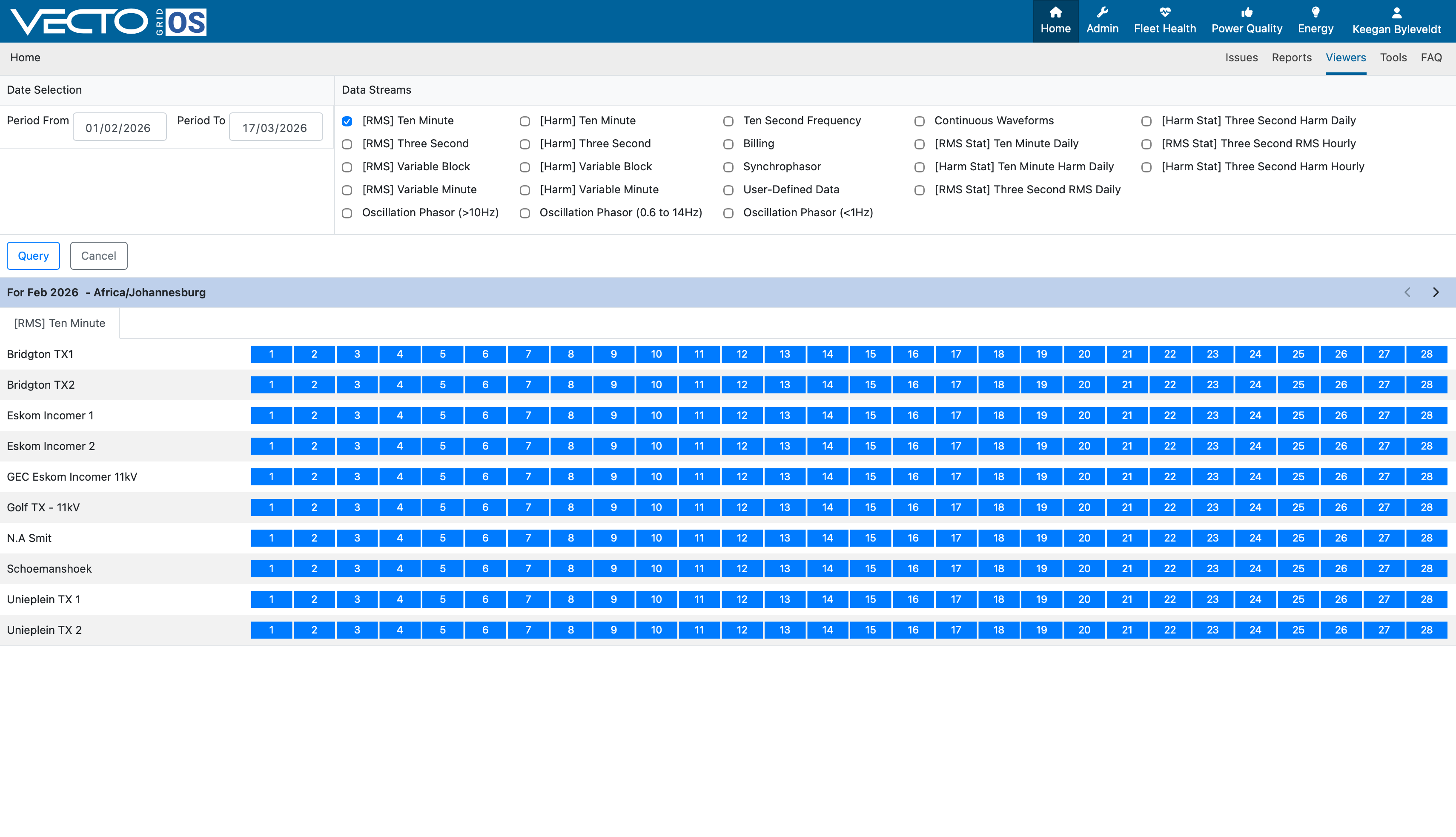
This panel shows the available data for a selected period of time, in this case all data since 1 February 2026. Available data is highlighted in blue, meaning that there exists data for the selected Data Stream.
Reasons for Data Availability blocks being grey:
- Selected date range falls outside of recording window.
- Selected Data Stream was not configured to measure data (refer to Measurement point setup)
- Instrument is recording data, but is not connected to Grid OS.
In cases where the instrument is recording data, and the Data Stream has also been selected to record data, please contact Support.